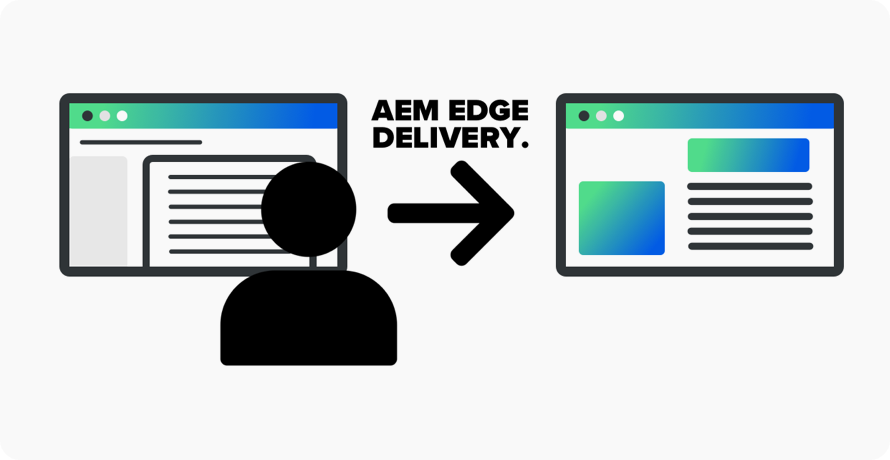
As a developer, when I first heard about building a website with Adobe Experience Manager (AEM) Edge Delivery Service (EDS), my initial reaction was one of confusion. The concept of using Word documents and Google Docs as the backbone for a live, performant website felt, to put it lightly, overly complicated. It seemed to fly in the face of modern web frameworks and best practices.
But after working with it hands-on for a recent client, my perspective has completely shifted. I’ve come to see that the true brilliance of AEM EDS isn’t in its complexity, but in its revolutionary simplicity, for everyone except the developer.
The “aha!” moment comes when you stop looking at it solely through the lens of code and start looking at it through the lens of the content creator.
For the Developer: A Shift to Modular Building
Yes, the initial setup requires a different mindset. You’re not building pages; you’re building the rules for pages. Your work revolves around two main things:
- Global Styles: Establishing the foundational look and feel for the entire site.
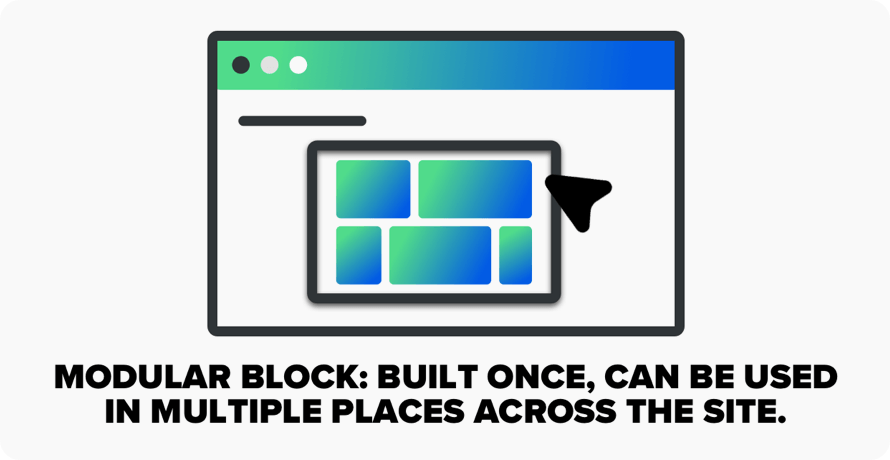
- Blocks: These are the modular, self-contained components (like a carousel, a card grid, or a testimonial slide) that authors can later drop their content into.
The goal is modularity. A well-built block should be a self-contained unit of HTML, CSS, and JavaScript. This structure is powerful because it’s clean and contained. This makes it perfectly suited for AI agents and modern agentic development workflows.
For the Author: Empowerment Through Familiarity
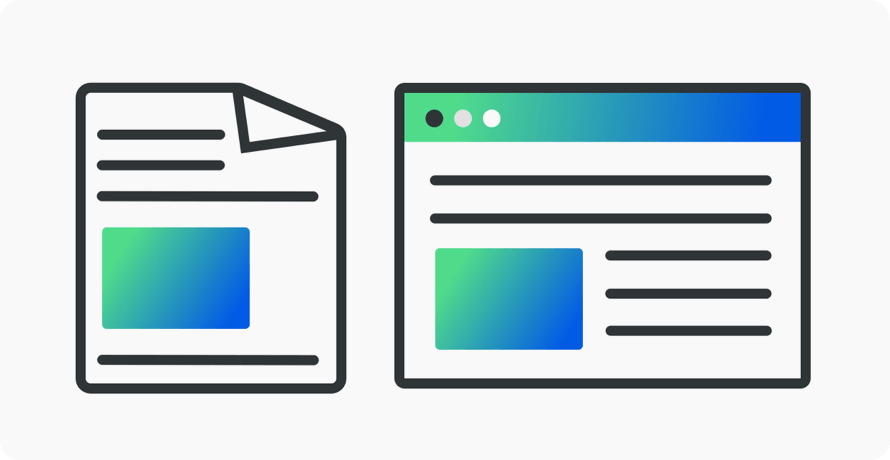
This is where AEM EDS truly shines. The entire authoring experience takes place in the tools they already use every day: Microsoft Word, Google Docs, or SharePoint. There’s no new, complicated CMS interface to learn. They write their content, format it, and use a browser extension to preview exactly how it will look on the live site.
Once a developer sets up the site architecture, an author can publish a new blog post or update a page without a single line of code. Need a specific type of content layout? A developer can build a custom block for that one-off requirement, and the author can use it just as easily as they use bold or italics.
Is It the Right Choice?
This model isn’t for everyone. If you have a small, static website that rarely changes, AEM EDS is overkill. It’s also not designed for heavy server-side processing or complex user-specific data handling.
But for clients who publish content frequently, marketing teams, media companies, or any organization that needs quick website content updates, it’s a game-changer. The developer handles the complex structure and design, while the author retains complete, autonomous control over the message. The barrier between content creation and content publication disappears.
Final Thoughts
Building websites with Word docs felt strange at first. But I’ve realized it’s not about the tech being flashy; it’s about the process being frictionless. Once you get past the initial cognitive dissonance, you see the power: a system where developers build the playground, and authors can freely play in it, all without ever getting in each other’s way. Once it’s set up, the result is an incredibly efficient, collaborative, and powerful web publishing machine.